Central Park Challenge
Leading the redesign of the website for NYC's largest I/DD celebration in its 40th year, from user reviews to the live build, inside a fundraising platform built from fixed page blocks.
Too much, all at once
The 40th anniversary came with a $625K goal, and the website is where people register, donate, fundraise, and sign up to volunteer. I inherited a 2025 site that worked but didn't inspire, and it had to serve sponsors, volunteers, fundraisers, families, and people with I/DD on one long page.
Before designing anything, I ran reviews with three groups. Each saw it through a different lens, but they said the same thing: there was simply too much to read.
Did the 40th hit its goal? Jump to 06 · The impact →
“Can there be less words? The text is too hard to read.”
Shorter sections in plain language, and seven equal links cut down to three clear choices.
Working within a fixed template
GoFundMe Pro (Classy) builds every event page from the same set of blocks. I kept the built-in features that already did their job well: the fundraising thermometer, the top fundraiser leaderboards, the event map, and the footer.
Classy has no built-in feature for the parts between them, only a plain text block that accepts HTML and CSS, the only code it allows. I used that block to fill the gaps: sections that make the page feel like a celebration and give visitors a smoother path from landing to taking part.
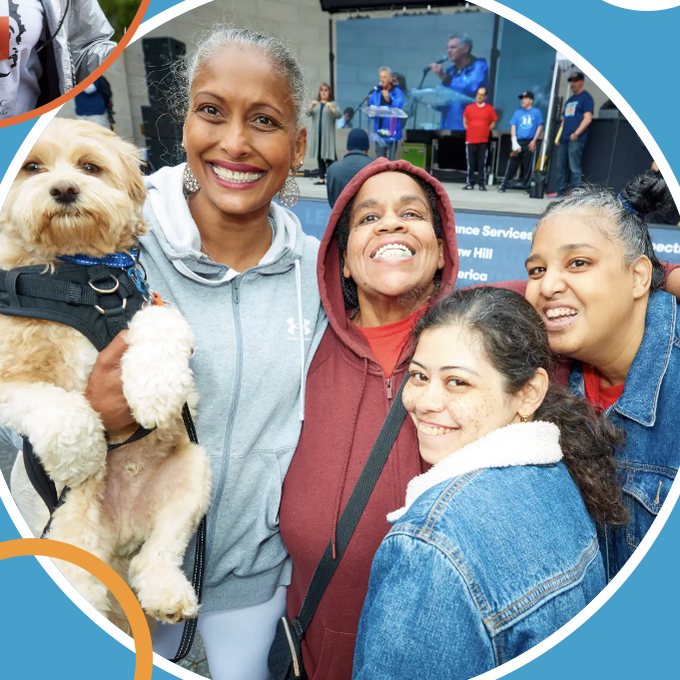
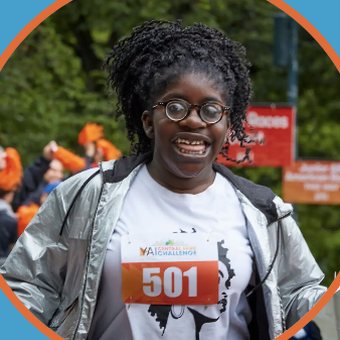
- Date
- Saturday,
May 30, 2026 - Time
- 8 AM - 12 PM
- Location
- Naumburg Bandshell,
Central Park
Celebrating 40 Years of Impact
YAI's Central Park Challenge is one of New York's largest celebrations of people with intellectual and developmental disabilities (I/DD).
Each year, the event raises crucial funds to help people with I/DD to live, love, work, and learn in their communities.
Learn moreClassy's text block. Where Classy has no built-in feature, this is what you get: centered paragraphs in one font at one weight, plus a blue button.
/* custom CSS, scoped to the block */
.cpc-about {
  background: #479FCC;      /* 40th sky */
  font-family: "Mulish", sans-serif;
}
.cpc-btn {
  background: #EB9C3F;      /* 40th orange */
  border-radius: 999px;
}
Built-in Classy features I kept
- The fundraising thermometer
- Top fundraiser leaderboards
- The event map
- The footer
Gaps I filled with HTML & CSS
- The nav: Donate, Event Info, and Ways to Support
- The hero, with the 40th lockup and presenting sponsor
- Event info: date, time, and place at a glance
- More Ways to Celebrate & Get Involved
- About YAI
- The sponsor wall
The same layers carried into every custom section on all seven campaign pages, from the hero to the sponsor wall, so the built-in features and my sections read as one page. 04 shows how each section changed for the people using it. 05 shows how I got photos into custom sections when the platform couldn't style them.
A nav organized by how people get involved
The 2025 nav gave every option the same weight, and regional events had no link at all. In 2026 I grouped it by intent: Donate stays one tap away, Event Info answers "what is this?", and Ways to Support opens everything else.
A plain text link. Goes to the main event page.
- 1Date & location
- 2Schedule
- 3FAQ
Not in the nav: Regional Events had no link in 2025.
One of three top-level choices. Details and registration now live together on one page.
- 1Date & location
- 2Activities
- 3Register
Section by section, 2025 to 2026
The reviews pointed to four sections that needed immediate focus. I worked through each from lo-fi wireframes to mid-fi mockups to the live build.
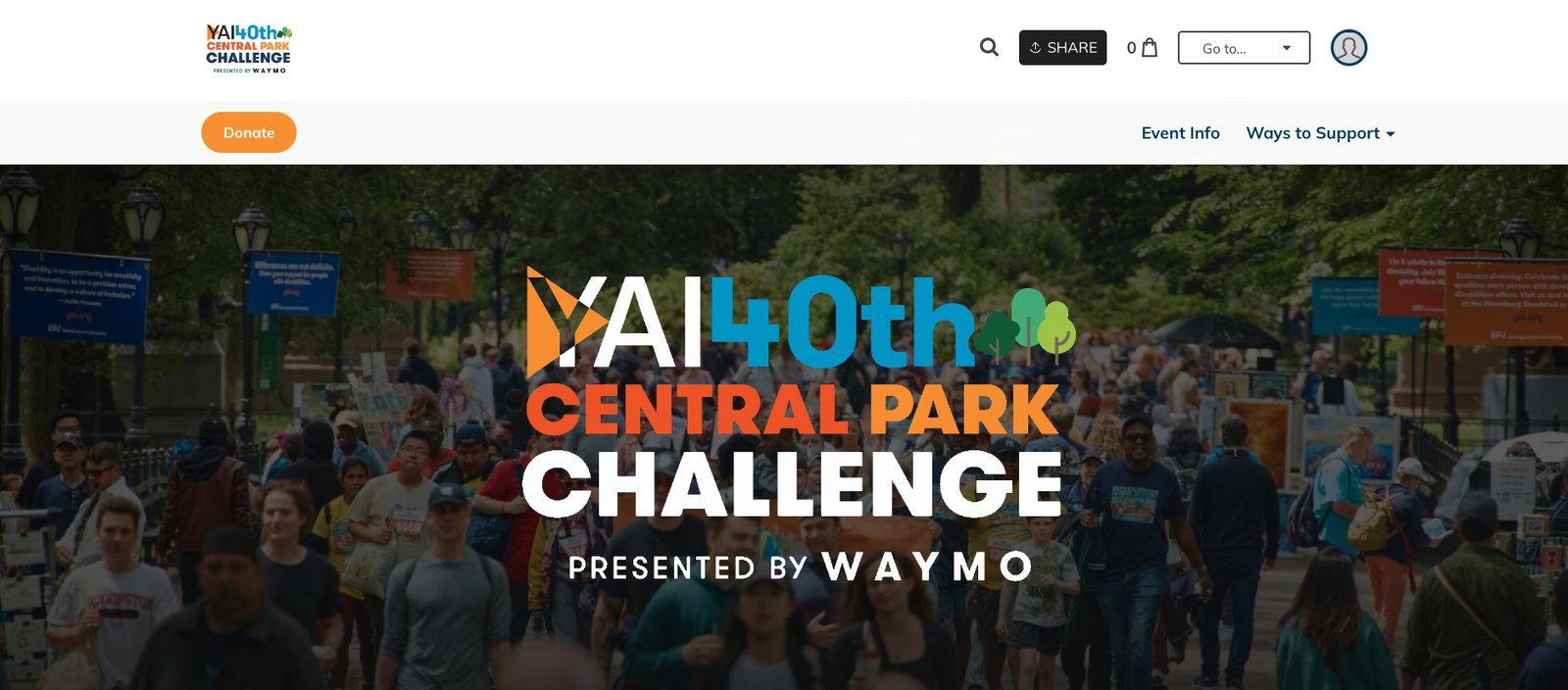
Live on the site: the 40th-anniversary lockup, presented by Waymo, over a full-color crowd.
Flip the switch · step through the process
One image library for seven campaigns
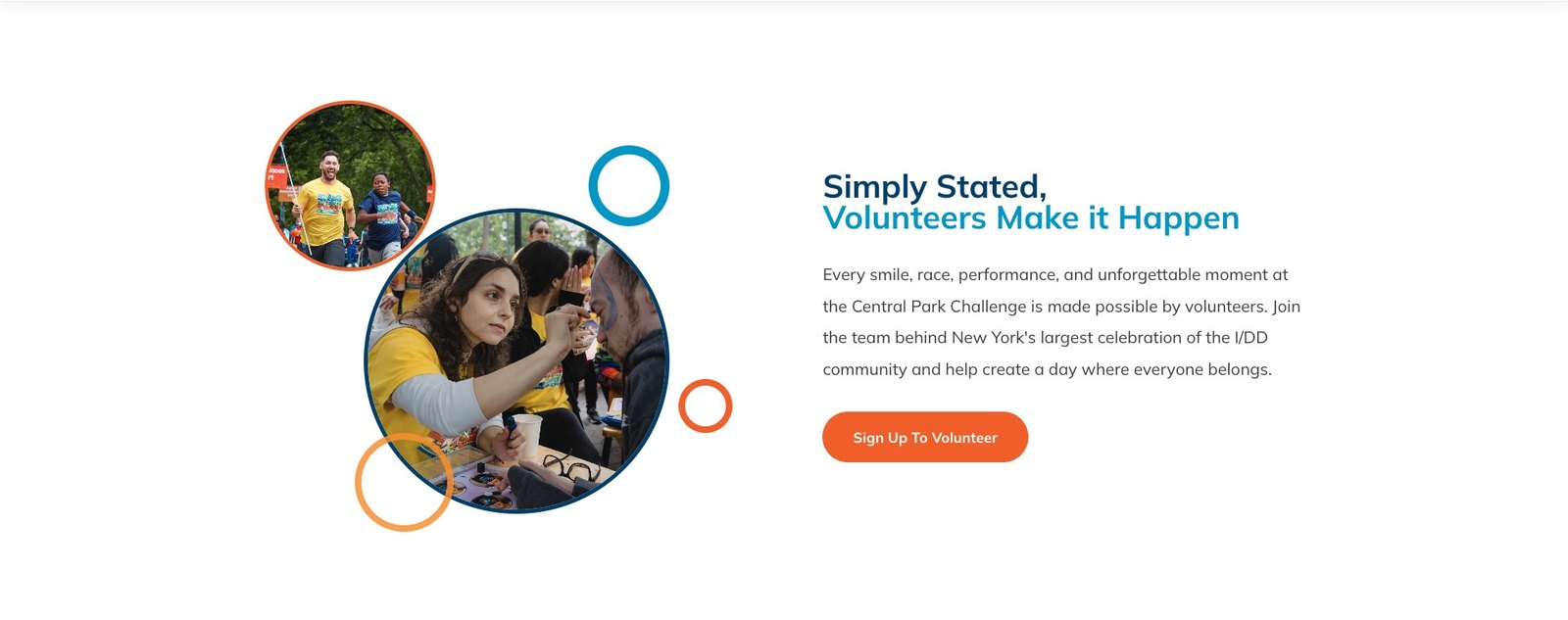
The event runs on seven separate campaigns, and the platform's blocks can't style images inside custom sections. So I turned an unlisted campaign into a shared image library that every page pulls from, which kept one look across all seven.
Pick a photo and follow it from the gallery to the live page. One library feeds every campaign in the nav.
An unlisted campaign page used as the image library
Paste it into a custom HTML block
<!-- custom block -->
<img
  src="https://…/cpc-2026/face-paint.jpg"
  alt="Volunteer face painting at the Challenge"
  class="cpc-circle" />
The photo stays on the platform’s own servers, so no outside host, and every page pulls from one source.
Styled by the custom code, not a stock block
The 40th, by the numbers
Event-wide results from a team effort, 2025 compared with 2026.